
In loving memory
Pet Memorial Portrait from a Favorite Photo
Turn a photo of the pet you miss into a soft painted portrait. Look at the free previews in your own time and keep only the one that feels like them.
Create your portrait
1Upload a photo
- One pet, face and ears fully visible
- Bright, sharp, eye-level photo
3Get 3 free previews
Add a photo of your pet to continue.
Choosing a photo
When there won’t be any new photos
Where to look
Scroll back through your camera roll, shared family albums and old messages. Photos you posted online are often the ones where your pet looked most like themselves. A video can help too: pause it where your pet is still and facing the camera, and take a screenshot.
Choosing between several photos
Pick the photo where the eyes are sharpest, the light is even and both ears are in the frame. A favorite expression matters more than a tidy background, because the background is repainted anyway. If a photo has a filter on it, look for the original.
Printed photos
If your best photo is a print, lay it flat near a window in daylight and photograph it straight on so it fills the frame. Avoid the flash, which leaves a bright spot on glossy paper.
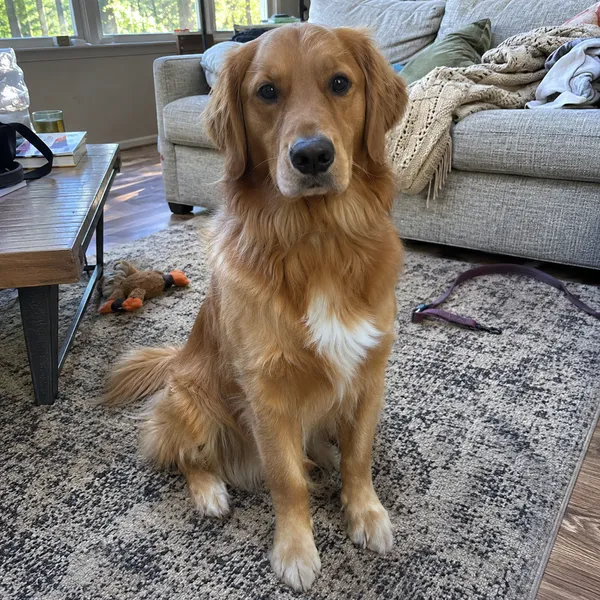
GoodBright and sharp 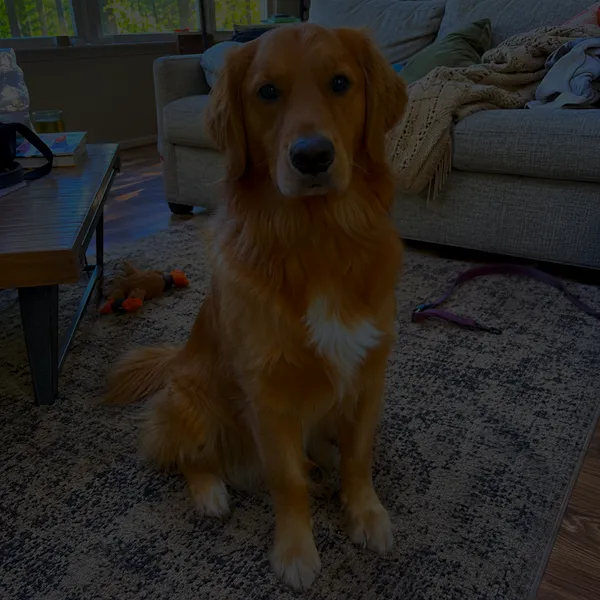
AvoidToo dark 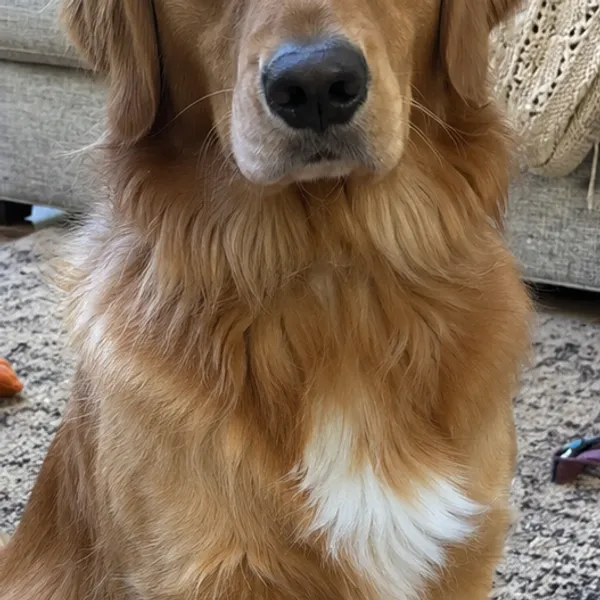
AvoidEars cut off 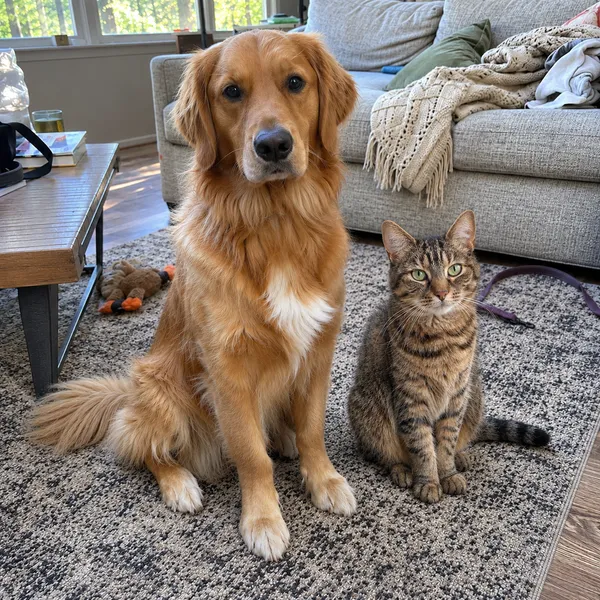
AvoidTwo pets in one photo
Styles
Choosing a style for a memorial portrait
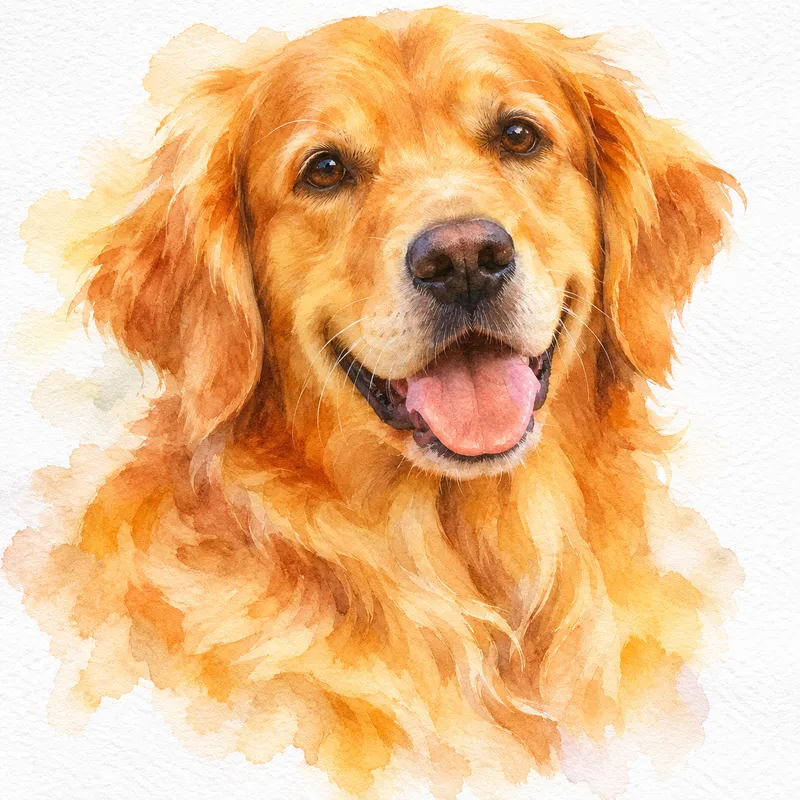
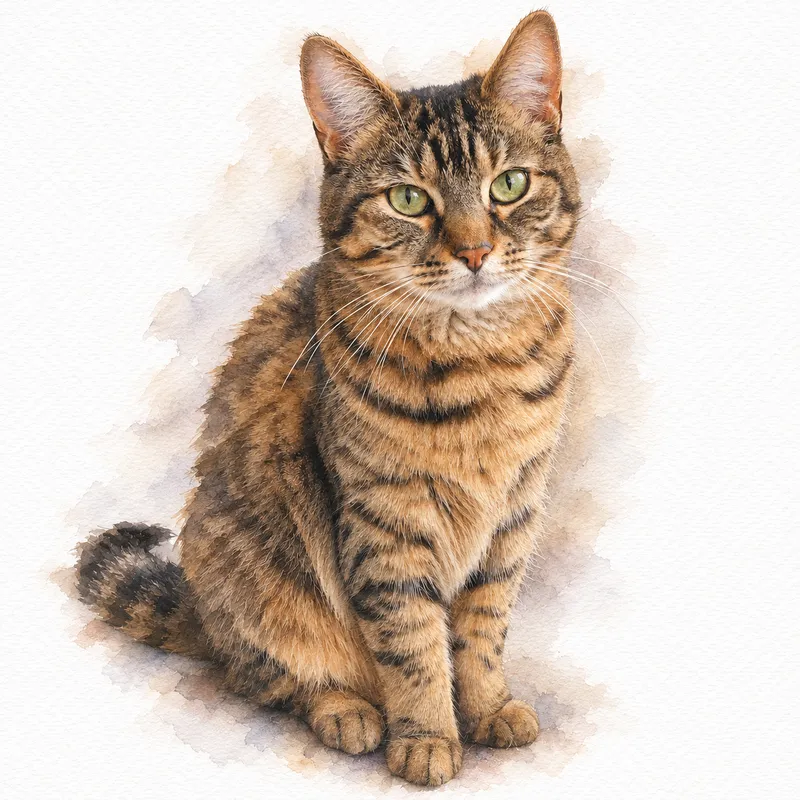
Watercolor
Soft washes, loose edges and a light, airy feel.
See watercolor portraits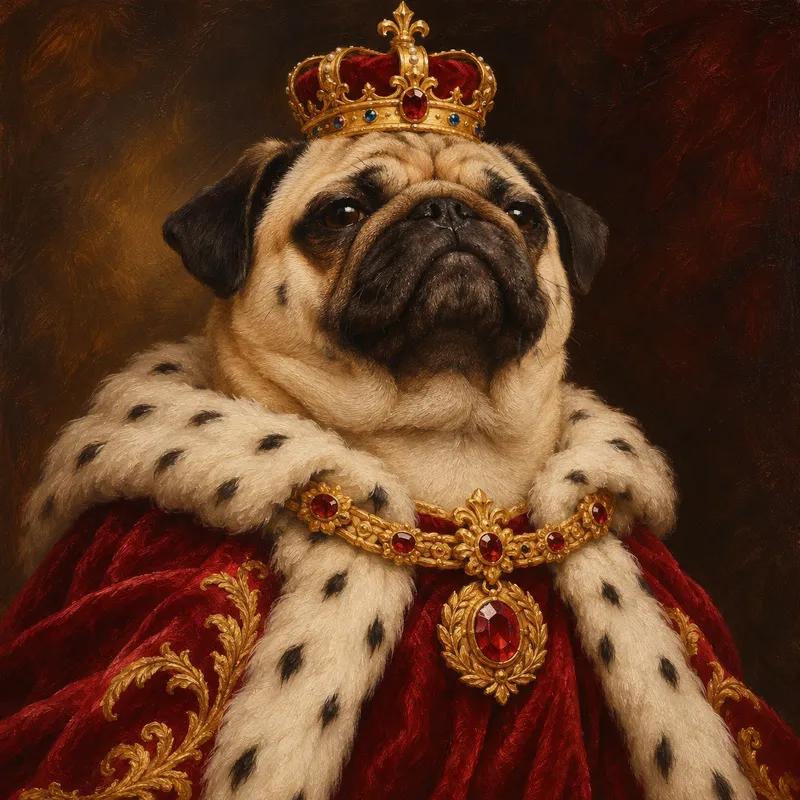
Royal
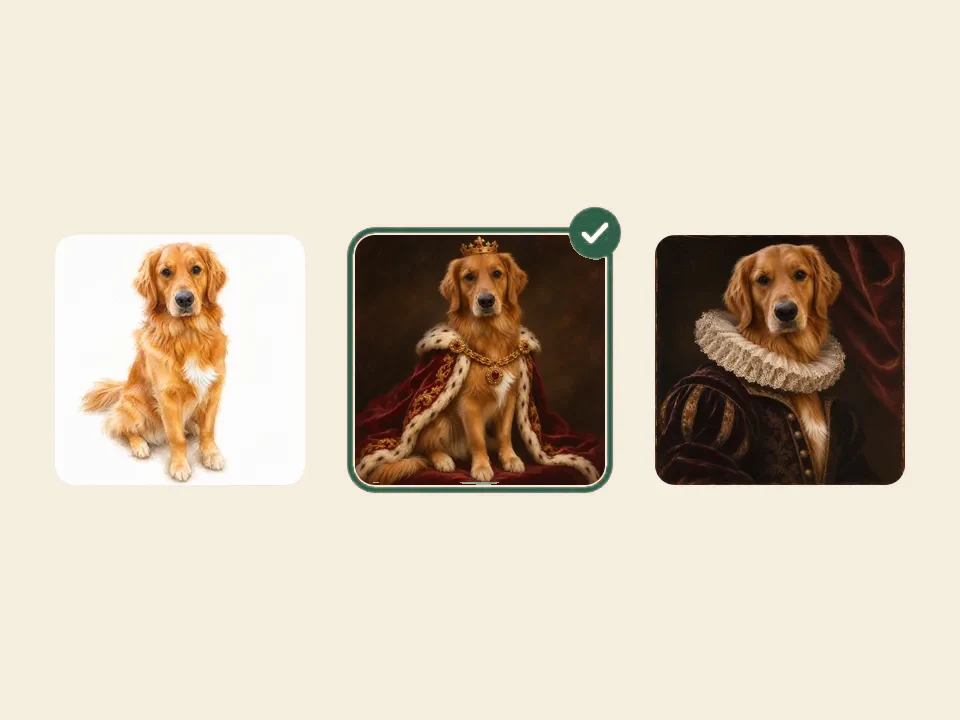
Velvet robes, crowns and a regal pose for your king or queen.
See royal portraits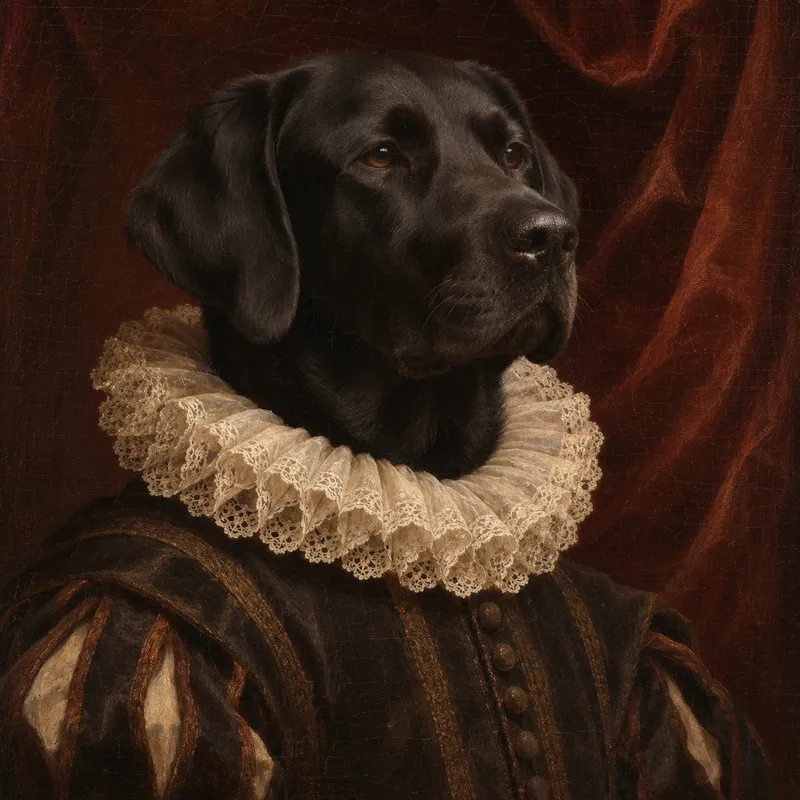
Renaissance
Old-master oil painting with rich color and gentle light.
See renaissance portraits
Images shown are Pawtamo studio samples, not customer orders.
Watercolor is the quietest of the three: soft washes of color, white paper and no costume. It suits a small portrait on a bedside table or a shelf next to their collar.
Renaissance paints your pet as a calm, dignified old-master portrait, as if they had always been part of the family’s history.
Royal is playful, with a velvet robe and a crown. Some families choose it for a pet with a big personality, as a portrait that makes them smile rather than cry.
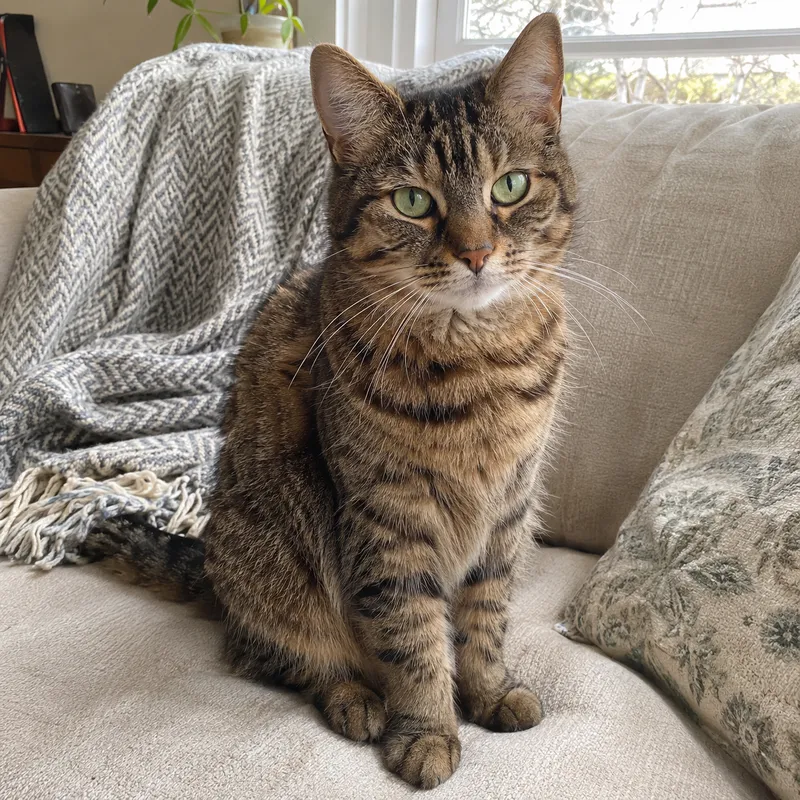
Before & after
From an everyday photo to a portrait
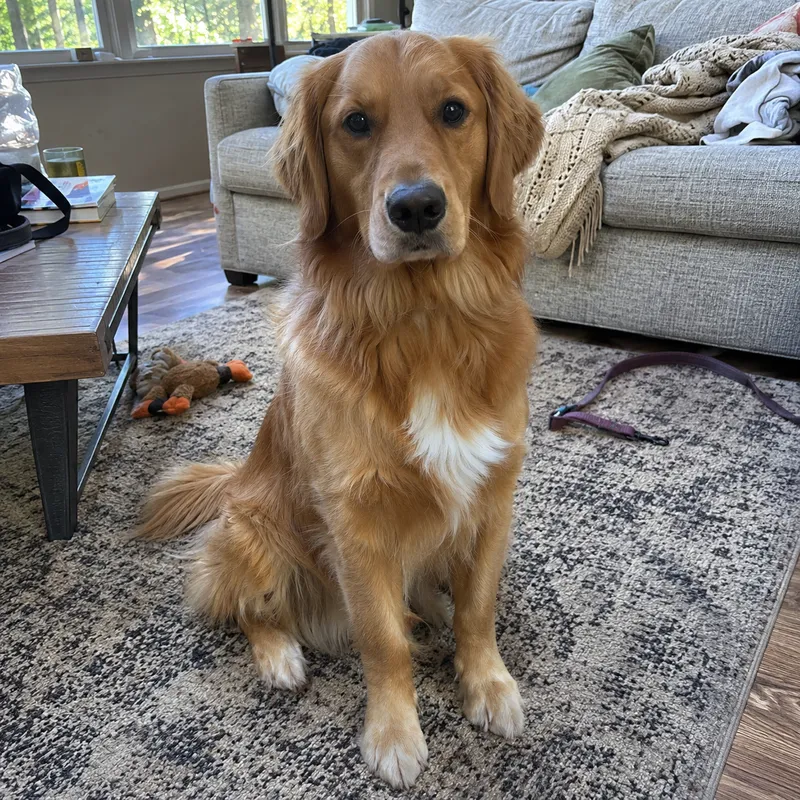
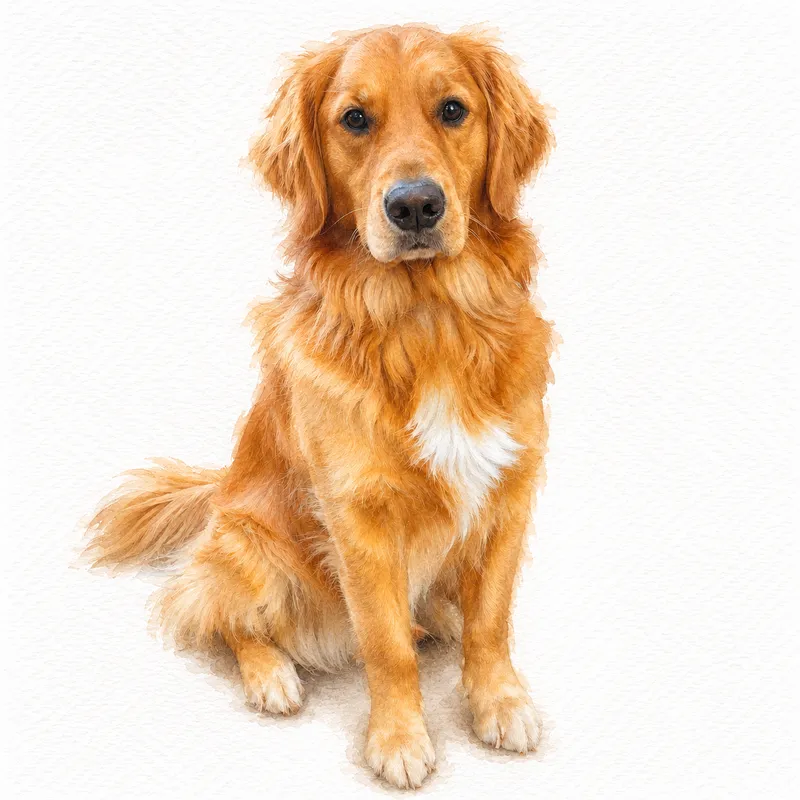
Ways to keep and share the portrait
The digital portrait is a full-resolution file that is yours to keep. A few ways to use it:
- Print it for a small frame on a desk or shelf, and add their name and dates on the mat or a little plaque.
- Send it to the family members who loved them too.
- Use it on a card for a small goodbye, or as the lock screen on your phone.
- Keep it for a blanket: portrait blankets are coming soon and will be printed from your portrait.
Making a portrait for someone else who lost their dog? See our guide to choosing a dog memorial gift.
How it works
Three simple steps
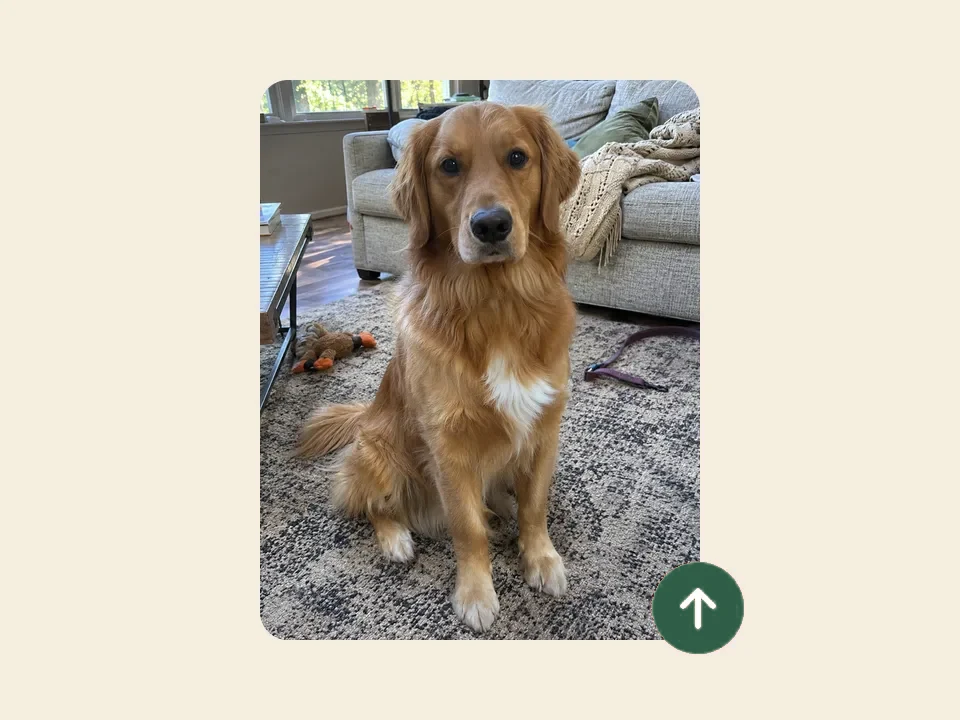 1
Upload a photo
Choose a clear photo where your pet’s face is easy to see. Daylight and eye level work best, straight from your phone.
 2
Pick a style
Watercolor, royal or Renaissance. Each style keeps your pet’s breed, markings and expression and changes everything around them.
 3
Get 3 free previews
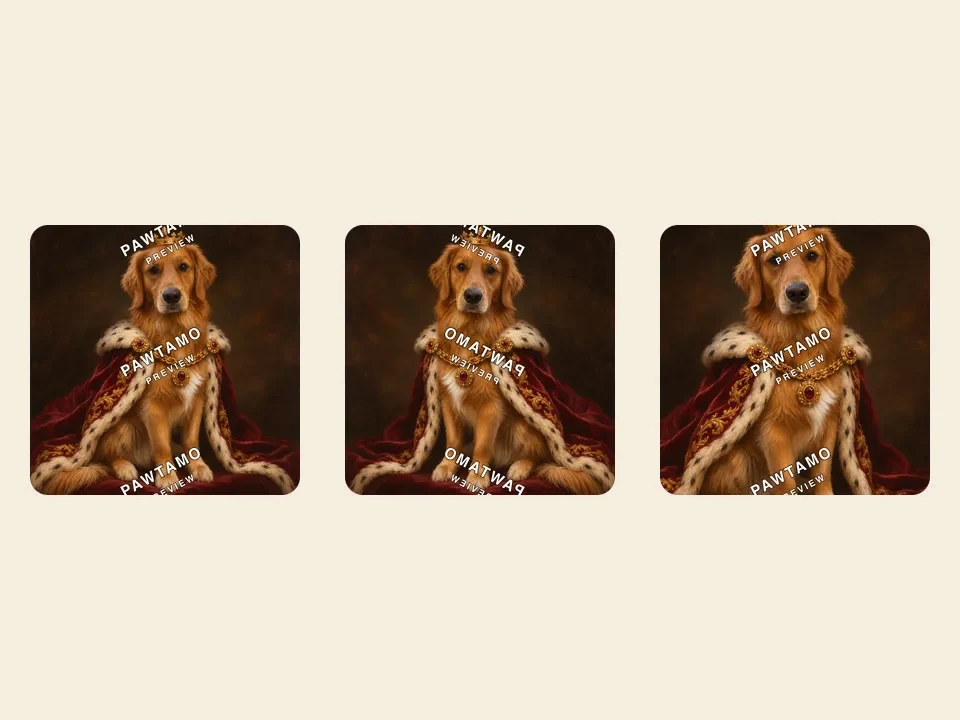
In about a minute Pawtamo paints 3 watermarked versions. Buy the one you love; every purchase includes 2 free regenerations.
Step images are illustrations with a sample pet.
Pricing
Simple, one-time pricing
Available now
Digital portrait
$19first portrait
+ $10 for each extra portrait from the same previews
- Previews are free: 3 watermarked versions, no card
- Full resolution, no watermark
- Download right after payment
- 2 free regenerations included
Coming soon
Portrait blanket
$99planned
- One of your portraits, printed on a soft throw
- Approve the layout before you order
- Not yet available to order
Questions
Pet memorial portrait FAQ
Can I make a portrait of a pet who has passed away?
Yes. Pawtamo paints the portrait from a photo you already have, so it works for a pet who is no longer with you. Choose the photo where their face is clearest, even if it is an older phone picture.
My only photos are old or a little blurry. Will it still work?
Often, yes. The portrait can only keep what the photo shows, so pick the one where the eyes and markings are easiest to see. A screenshot of a video, or a printed photo photographed flat in daylight, can also work. The previews are free, so you can see the result before deciding anything.
Which style suits a memorial portrait?
Watercolor is the gentlest of our three styles: soft color, white paper and no costume. Renaissance feels calm and timeless. Royal is playful, which some families choose for a pet with a big personality. You can preview a different style on another day.
Can you add my pet’s name and dates?
Not yet. The portrait is delivered without text, so you can add a name and dates when you print it, for example on the mat of a frame or on a small plaque.
Is the preview really free?
Yes. Upload a photo, pick a style and Pawtamo paints 3 watermarked previews without an account or a card. The free previews are limited to 3 per day per visitor, and you only pay if you want the full-resolution file.
What if I don’t like the result?
Every Pawtamo purchase includes 2 free regenerations, so after you buy you can repaint your portrait up to 2 more times. Before buying, you can try a clearer photo or another style the next day with a fresh set of free previews.
What do I get with the $19 digital download?
A full-resolution, watermark-free file of the portrait you choose, available to download right after payment, plus 2 free regenerations. Like more than one of your previews? Add each extra portrait for $10.
Can I get my portrait on a blanket?
Custom pet portrait blankets are coming soon. When they launch, you will choose one of your portraits, check the layout and approve it before you order. Until then you can buy the digital file and keep it for later.
Keep them close
Upload a favorite photo and see 3 free previews. No account and no card needed.